
The Whatsform widget lets visitors contact you through WhatsApp directly from your website. You can customize its welcome message, position and avatar to match your needs.
Open the widget editor
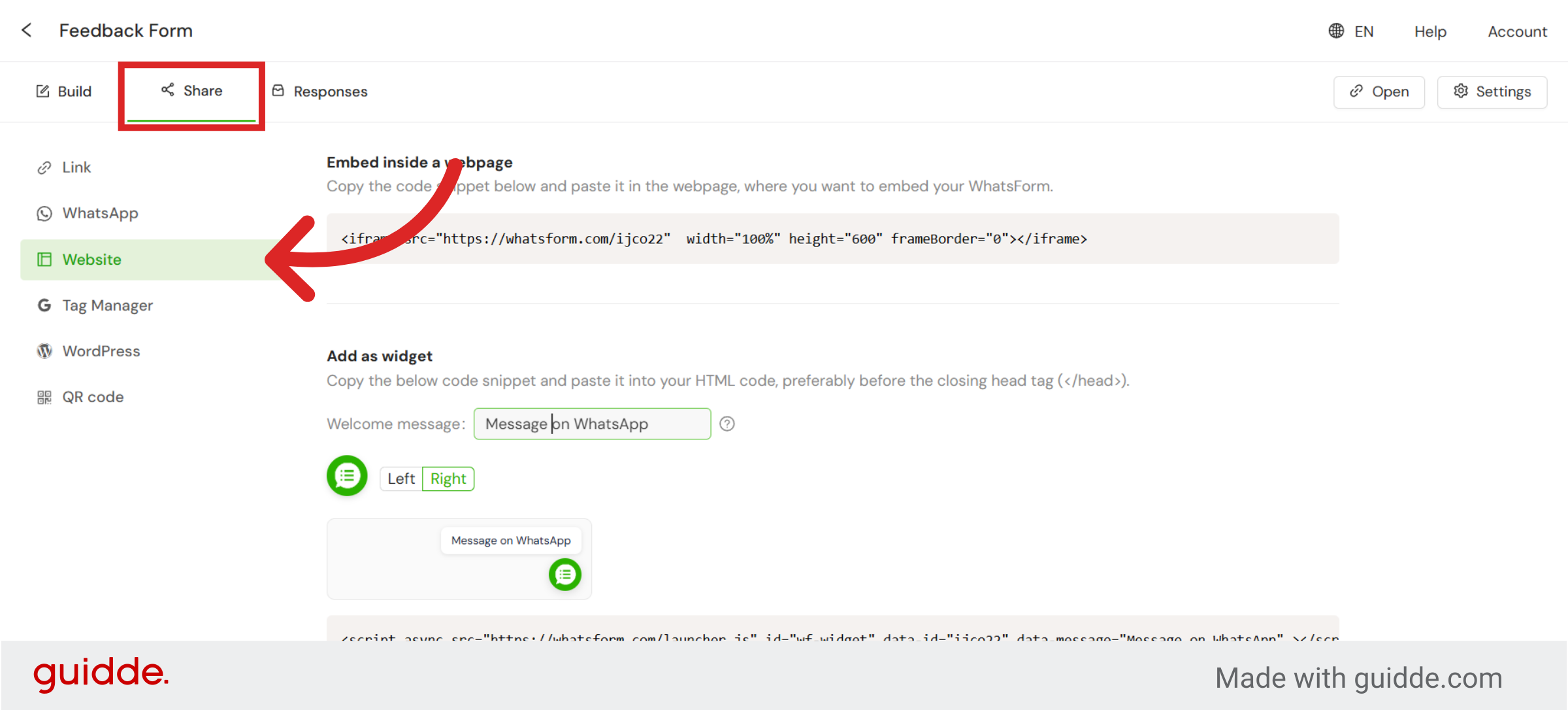
Open your form and click Share > Website to start customizing your widget.
Customize your Welcome Message
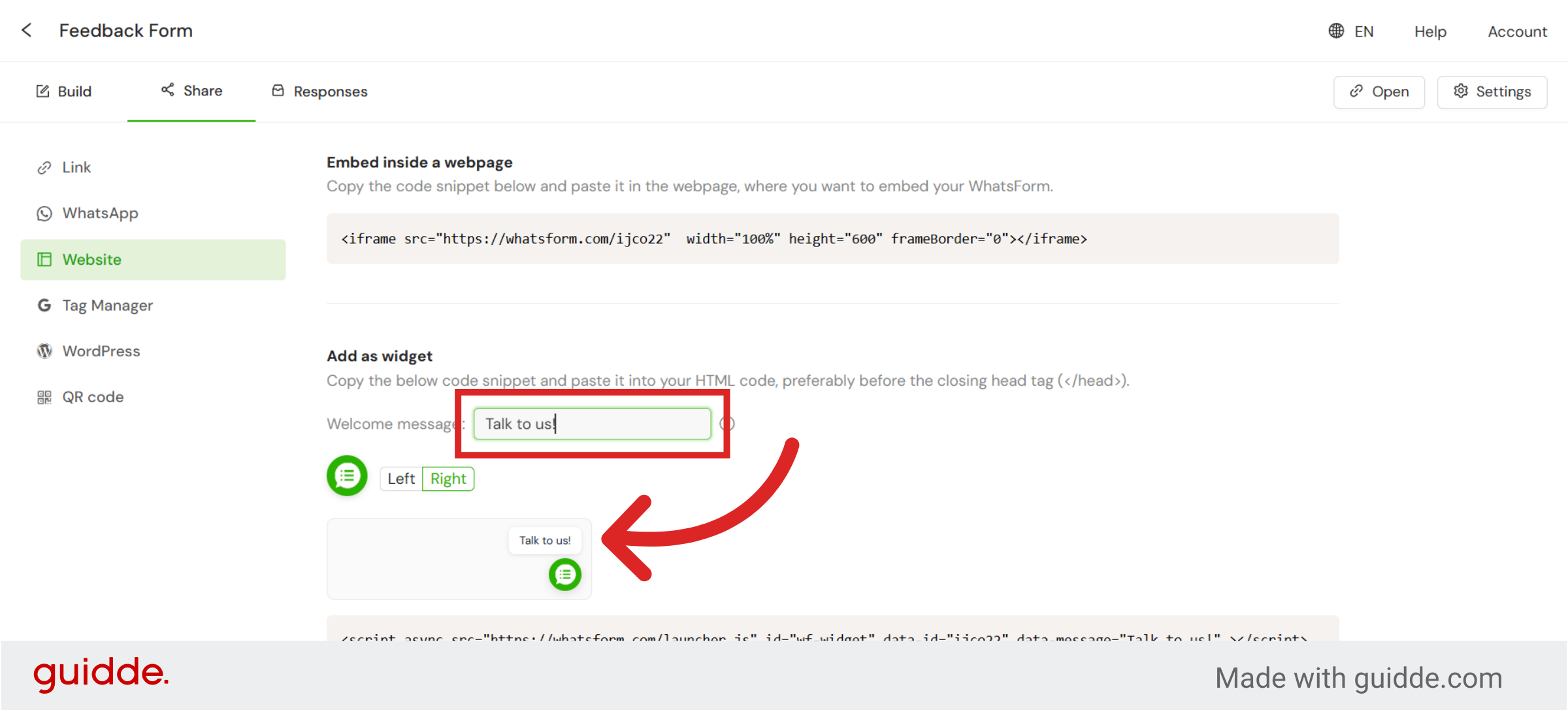
Enter the Welcome Message text to encourage visitors to contact you on WhatsApp.
Adjust the widget position
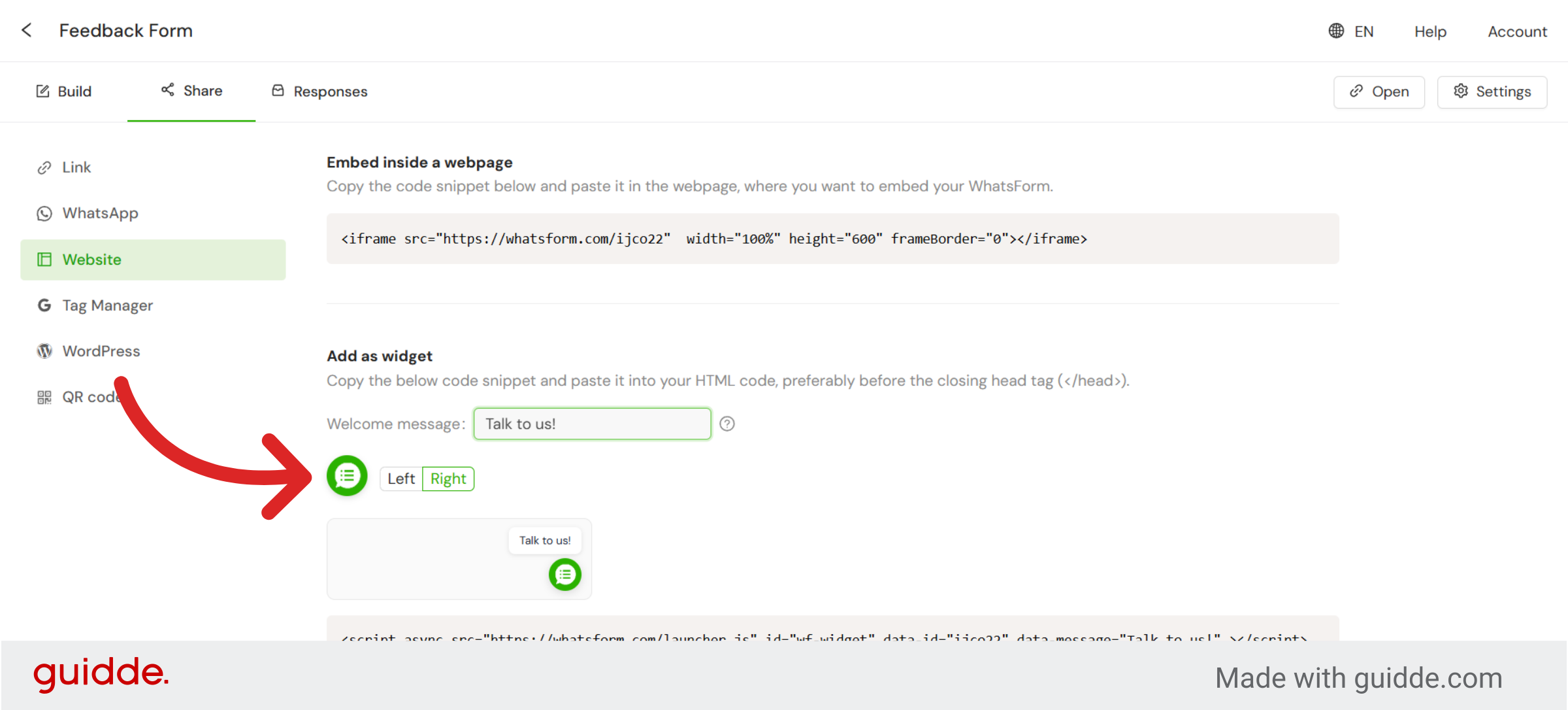
Select Left or Right to decide where the widget appears on your website.
Customize the avatar
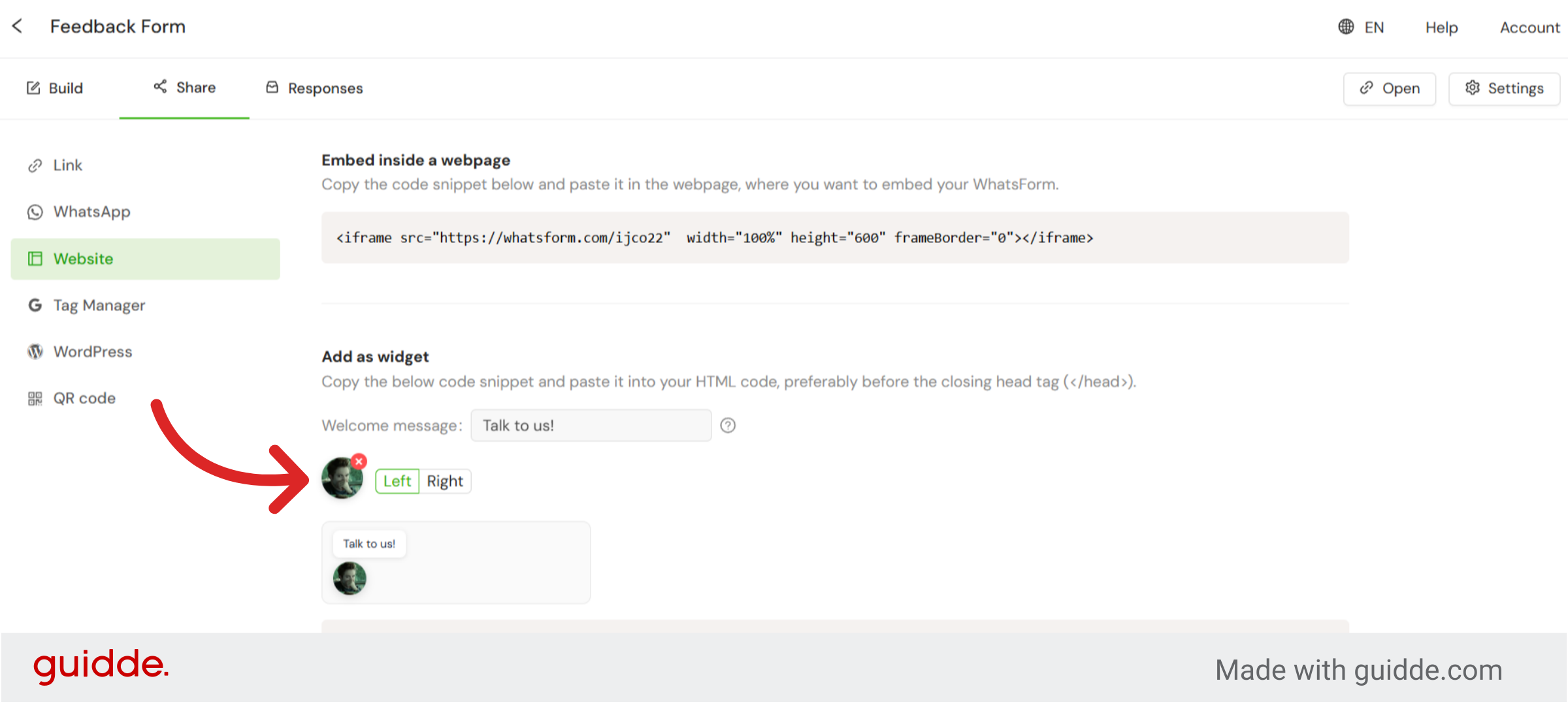
Click the widget icon to upload your own image and personalize how it appears on your website.
Note
Your changes save automatically. There is no save button to click.
Was this article helpful?
Still need help?
Contact us